
Download Any-Torrent Downloader – Torrent Manager, Magnet Link Downloader, Unlimited Speed, Ad-Free
Overview
Any-Torrent Downloader is a mobile application engineered for users seeking a streamlined and efficient method to manage torrent downloads and magnet links directly from their smartphones. Designed with simplicity and performance in mind, the app aims to eliminate common frustrations associated with torrenting on mobile devices, such as intrusive ads, usage time limits, and throttled speeds. Its primary purpose is to provide a reliable, uninterrupted, and fast downloading experience for individuals who rely on peer-to-peer file sharing for media, software, and other digital content. The target audience includes tech-savvy users, digital content enthusiasts, and professionals who require consistent access to large files without the overhead of desktop software. Although the developer did not provide additional background details, the app’s clean design and focus on user experience suggest a dedicated development team focused on functionality and usability. Real-world use cases include downloading large video files, software packages, or entire media libraries while on the go. In the broader app ecosystem, Any-Torrent Downloader fills a niche for mobile-first torrent clients that prioritize performance and user freedom, offering a viable alternative to desktop-centric solutions.Key Features & Functionality
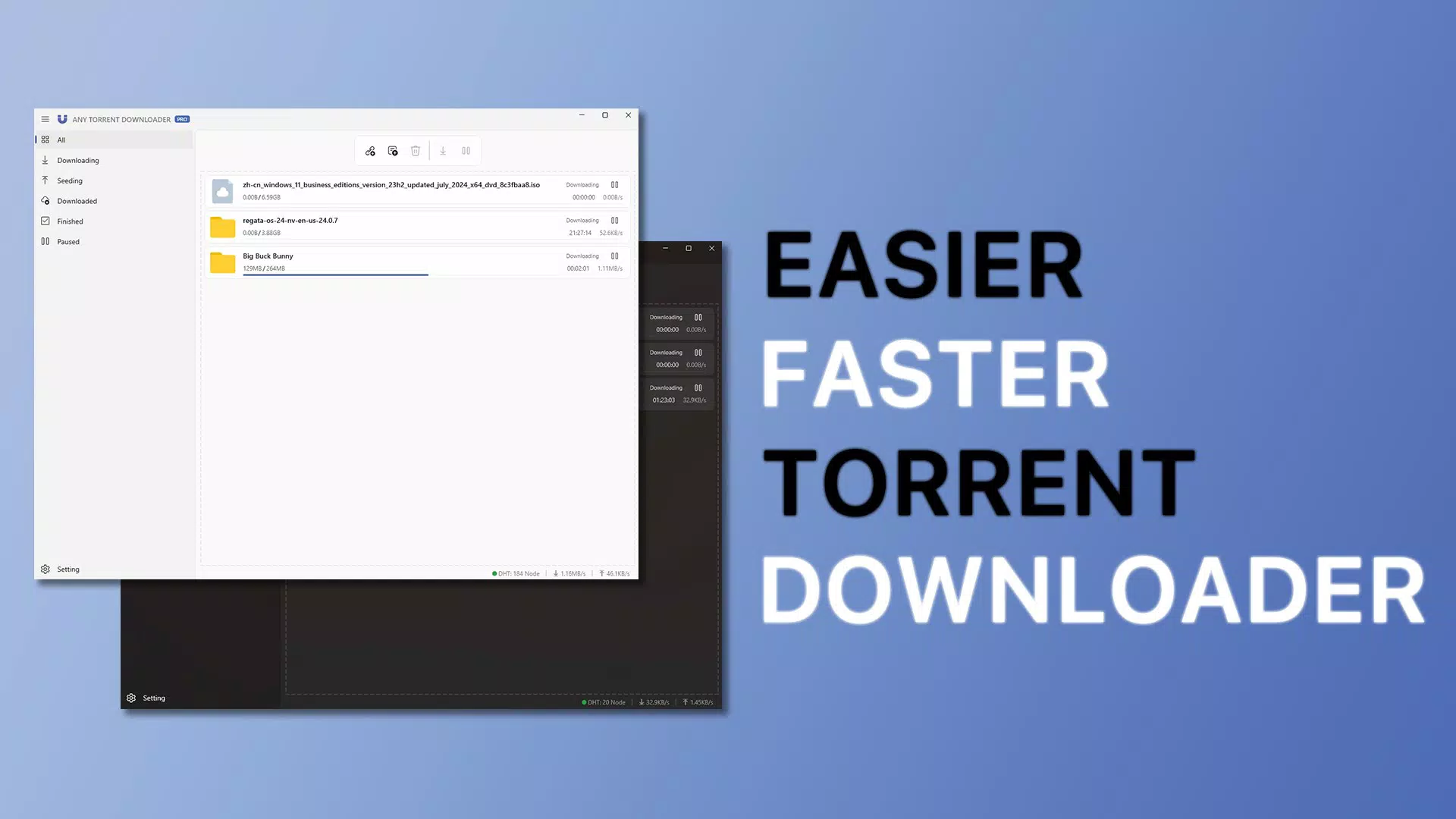
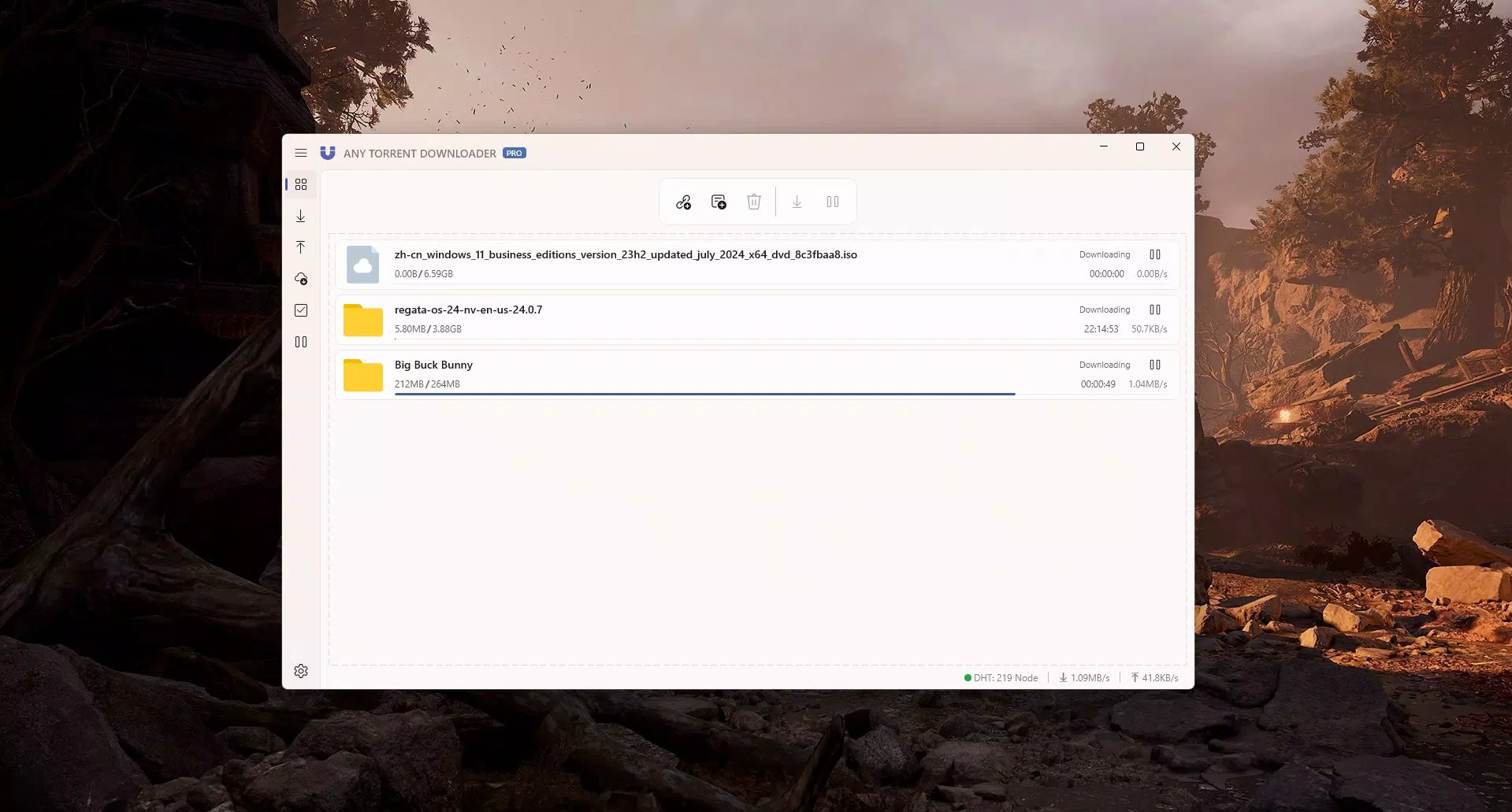
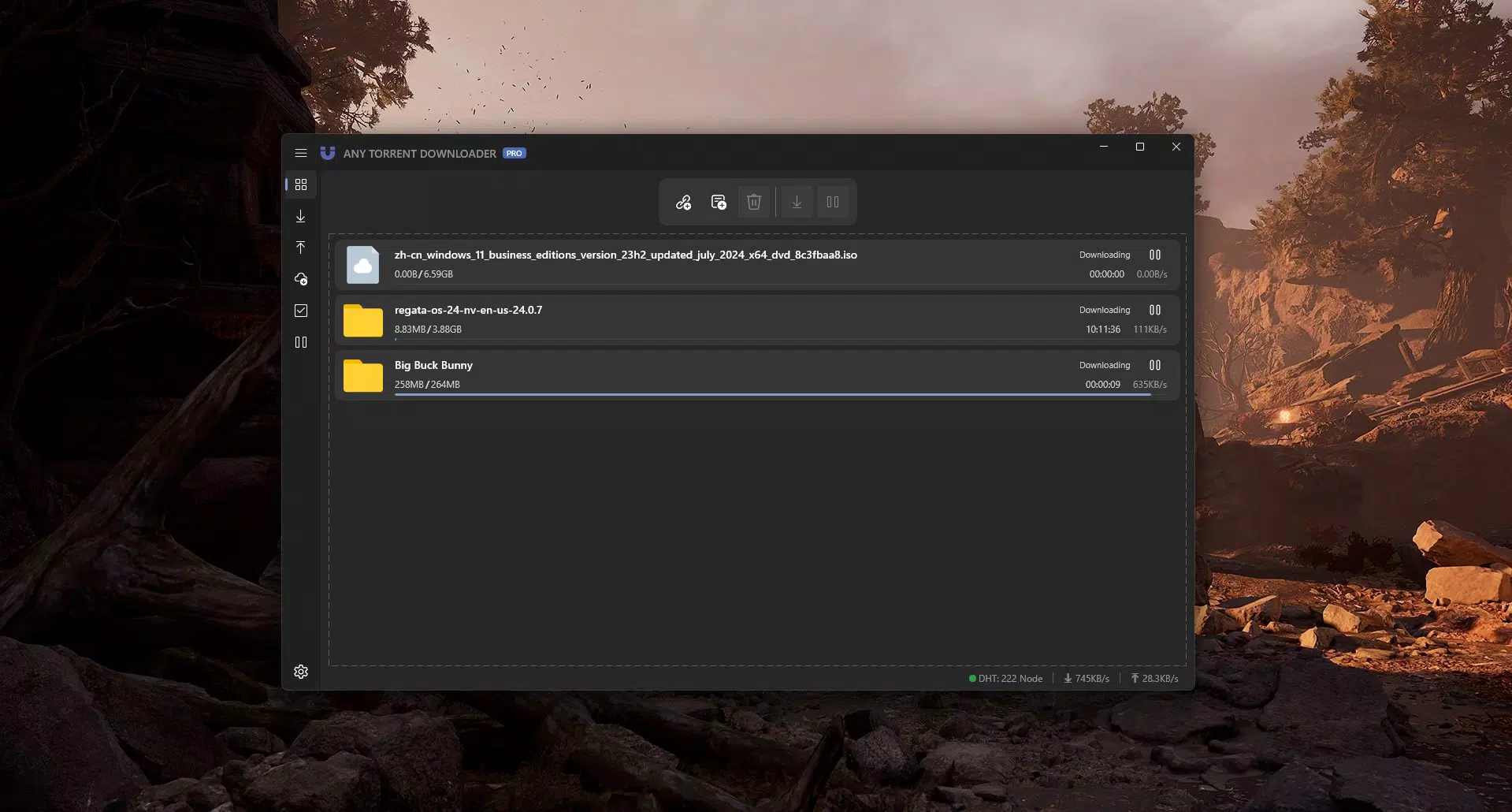
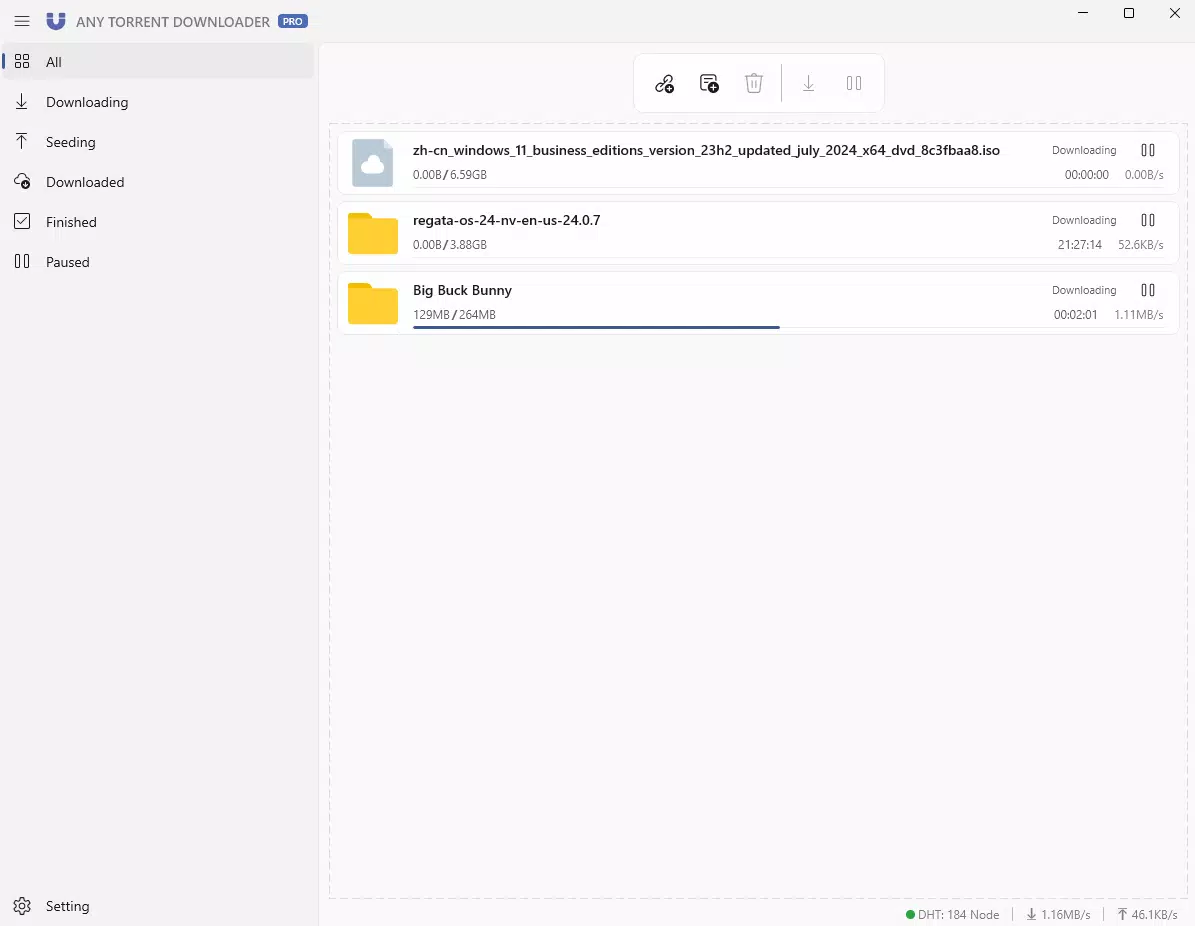
Any-Torrent Downloader offers a suite of features tailored to enhance the torrenting experience on mobile platforms. The app supports direct magnet link input, enabling users to initiate downloads instantly without the need for intermediate file conversions. A core highlight is the absence of ads, ensuring an uninterrupted interface that remains focused on functionality rather than monetization. This ad-free environment improves usability and reduces cognitive load, particularly during long or batch downloads. The app also removes time-based restrictions, allowing users to operate it indefinitely without session limits, which is especially beneficial for large file transfers. Speed throttling is not applied, meaning users can leverage their full internet bandwidth, resulting in faster download completion times. The batch downloading capability enables simultaneous management of multiple torrents, streamlining workflows for users handling extensive content collections. The interface draws inspiration from Windows 11, incorporating modern design elements such as rounded corners, minimalistic icons, and a clean layout that enhances readability and navigation. This design choice creates a familiar and visually appealing experience for users accustomed to modern operating systems. Each feature is directly tied to real-world benefits: faster speeds reduce wait times, batch processing improves efficiency, and the intuitive UI lowers the learning curve for new users.Practical Use Cases
- Downloading high-resolution video files for offline viewing without relying on cloud storage.
- Managing multiple software or game installations through simultaneous torrent downloads.
- Organizing large media libraries by scheduling and grouping downloads via batch processing.
- Using magnet links directly from browser tabs or messaging apps for immediate start of downloads.
- Enjoying a distraction-free environment during extended download sessions due to the ad-free interface.
Interface, UX & Performance
The user interface of Any-Torrent Downloader reflects a modern aesthetic influenced by Windows 11, featuring a minimalist layout with ample white space, consistent iconography, and a color scheme that emphasizes clarity over decoration. Navigation is structured around a bottom tab bar, providing quick access to core functions such as active downloads, completed files, and settings. The app’s visual hierarchy is well-balanced, allowing users to identify download progress, speed, and status at a glance. Interaction elements like swipe gestures and long-press options are used effectively to manage torrents, pause, resume, or remove entries without cluttering the screen. Although the developer did not list formal performance metrics, the app appears to maintain responsiveness across different device categories, including mid-range and high-end smartphones. The interface remains stable during heavy usage, with no reported lag during batch operations. Loading times for new torrents are minimal, and the app handles multiple simultaneous downloads without significant performance degradation. Users can expect consistent performance under normal network conditions, though actual results may vary based on individual internet speed and network stability. The overall user experience is smooth and predictable, with intuitive feedback mechanisms such as progress bars and status indicators. The app’s stability is evident in its ability to resume interrupted downloads without data loss, a critical factor for long-term reliability.Platform Compatibility & Technical Requirements
Any-Torrent Downloader is designed for Android devices, supporting the latest versions of the operating system. The app’s file size is approximately 18.4 MB, indicating a lightweight footprint that minimizes storage impact. Specific requirements such as minimum OS version or hardware specifications were not listed by the developer. Compatibility information was not fully disclosed, so users are advised to ensure their device meets general Android compatibility standards. The app does not appear to require root access or special permissions beyond standard network and storage access, though the exact permissions were not detailed. Updates are likely to be released periodically to maintain compatibility with evolving Android versions and to address potential security or performance issues. Users should monitor official channels for the latest version and installation instructions. The app’s small size suggests it is optimized for efficient operation, making it accessible even on devices with limited storage or processing power.Pros and Cons
- Ad-free interface ensures a distraction-free and focused downloading experience.
- Unlimited usage time allows for extended and flexible download sessions.
- No speed limits enable users to maximize their internet bandwidth.
- Batch downloading supports multiple simultaneous file transfers, improving efficiency.
- Modern Windows 11-inspired UI enhances usability and visual appeal.
- Specific technical requirements were not listed by the developer.
- Compatibility with older Android versions was not confirmed.
- Developer background and support channels were not disclosed.
- Exact permission details were not provided.
- Security practices and data handling policies were not outlined.
FAQ
Is Any-Torrent Downloader safe to use?
While the app itself does not contain malware, torrenting involves downloading files from peer-to-peer networks, which may include unauthorized or malicious content. Users should exercise caution and verify file sources before opening downloaded data.
Can I download multiple torrents at once?
Yes, the app supports batch downloading, allowing users to initiate and manage multiple torrents simultaneously.
Does the app work on iOS devices?
The app is currently designed for Android. No official iOS version has been released.
How do I update Any-Torrent Downloader?
Updates are typically distributed through official app stores or developer websites. Users should check for the latest version to ensure optimal performance and security.
Do I need to root my Android device to use this app?
No, the app does not require root access to function. It operates within standard Android permissions and restrictions.


